
What can a website AI assistant do? Turning unanswered questions into content
A website AI assistant answers visitors from your own content, 24 hours a day. Its most valuable output is the list of questions it couldn't answer: things buyers are asking that your site doesn't cover yet. How it works, what to prepare, and how to use it to make your website more complete.
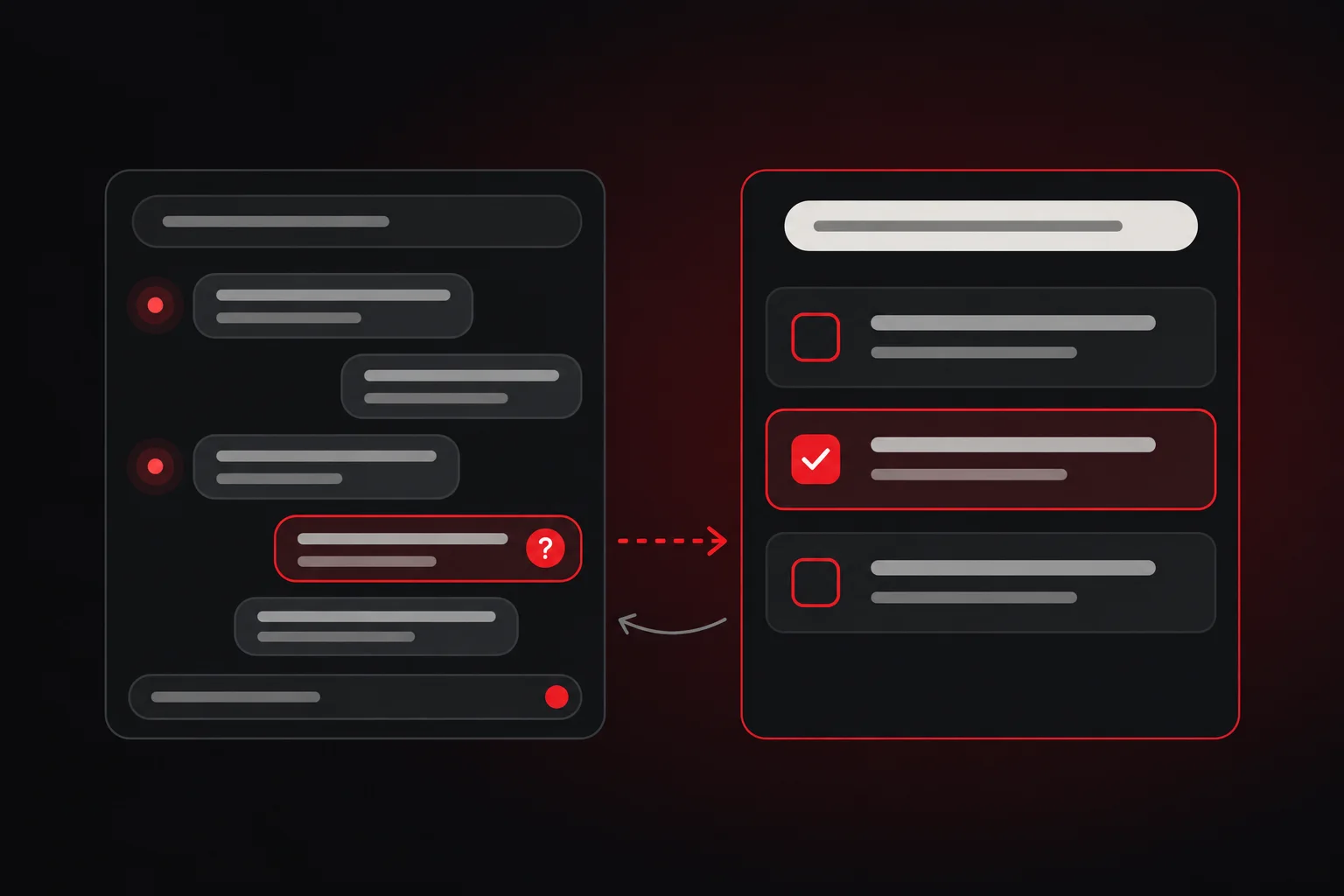
A website AI assistant is a chat window on your site that answers visitors using your own content. It is there 24 hours a day, and questions it can't answer are logged one by one for you to fill in. Many people see it as a way to save staff time, but for a B2B website the list of unanswered questions is worth more: it shows what buyers are actually asking that your site doesn't cover yet. This article belongs to the Ditto series.
The short version
- The AI assistant only answers from what's on your website; the clearer the site, the better the answers.
- Unanswered questions are collected into a list; once you add the answer, it can answer next time.
- Every answer you add to the site is also content that Google and AI tools like ChatGPT can find and cite.
How it works
- A visitor types a question on your site, for example "Do you take small orders?"
- The AI assistant looks for the answer in your site content: product pages, catalogs, FAQ, articles.
- If it finds one, it answers; if not, it doesn't make something up and logs the question instead.
- In the back office you see a list of unanswered questions, with similar questions merged and the most frequent ones first.
- You add the answer to the website or knowledge base, and the next visitor who asks gets an answer.
When a visitor wants to talk further, the assistant can send them to the contact page. On TAITAN's own website, for example, the contact page has a question "How do I contact TAITAN?" whose answer includes the contact page URL, so when visitors ask how to get in touch, the assistant answers from it. Inquiries visitors leave go straight to the back office.
Before launch, put these on your website
How well the assistant answers depends on what the site says. B2B buyers most often ask about:
| Buyers ask | Your site should have |
|---|---|
| Can you make it? | Materials, size ranges, tolerances, process capabilities |
| What quantity do you accept? | Minimum order quantity, sample policy |
| How long does it take? | Typical lead time, how rush orders are handled |
| How do I get a quote? | What to send: drawings, quantities, target delivery date |
| Can I trust you? | Certifications, equipment, industries served |
Written as one question and one answer each, these work best for the AI assistant, and buyers can find them on their own too. How to write them: What kind of content does AI cite?
The unanswered list is your best content plan
Many companies write website content by guessing what buyers want to know. The assistant's list removes the guesswork: every question was typed by a real visitor.
We suggest reviewing the list every two weeks, in this order:
- Answer the most frequent first. A question asked ten times means ten buyers got stuck in the same place.
- Add it to the right page. Spec questions go on product pages; quoting questions go in the FAQ or on the contact page. Don't pile everything on one page.
- Be clear about what you can't answer. If prices depend on the drawing, say something you can stand behind, such as "We quote from drawings: send the drawing and quantity and we'll reply within one working day."
Why this helps with GEO too
Buyers increasingly ask ChatGPT and Gemini directly which supplier to use. Before answering, AI reads web pages and picks clear, specific content to cite. Every answer you add for the website assistant is also content those AI tools can find. One list makes both your own assistant and outside AI answer better. The full picture of GEO: What is GEO?
What it doesn't do
- It doesn't set prices or lead times for you. If it isn't on the website, it won't invent a number.
- It doesn't replace your sales team. It handles repetitive basic questions; real deals still go to your people.
How Ditto does it
Websites built with Ditto have the AI assistant built in, with no separate integration. Unanswered questions are listed in the back office; add the answer and next time it can respond. Inquiries arrive in the back office together with where the visitor came from. To see which answers your website is missing, book a 360° Diagnosis.
Further reading
- Series overview: What is Ditto? A B2B website built through conversation, from one folder to launch
- Where do your inquiries come from? Sources, UTM tags and AI traffic
- GEO series: What kind of content does AI cite?
References
- Google Search Central. Creating helpful, reliable, people-first content.
- Google Search Central. AI features and your website.