
What is Ditto? A B2B website built through conversation, from one folder to launch
Ditto is TAITAN's website service (TAITAN AI WEB): tell the AI designer what you want and it designs the whole site from scratch. Product photos and catalogs are pulled from a folder and published, with SEO, structured data and security headers built in from day one. This is the overview of the Ditto series.
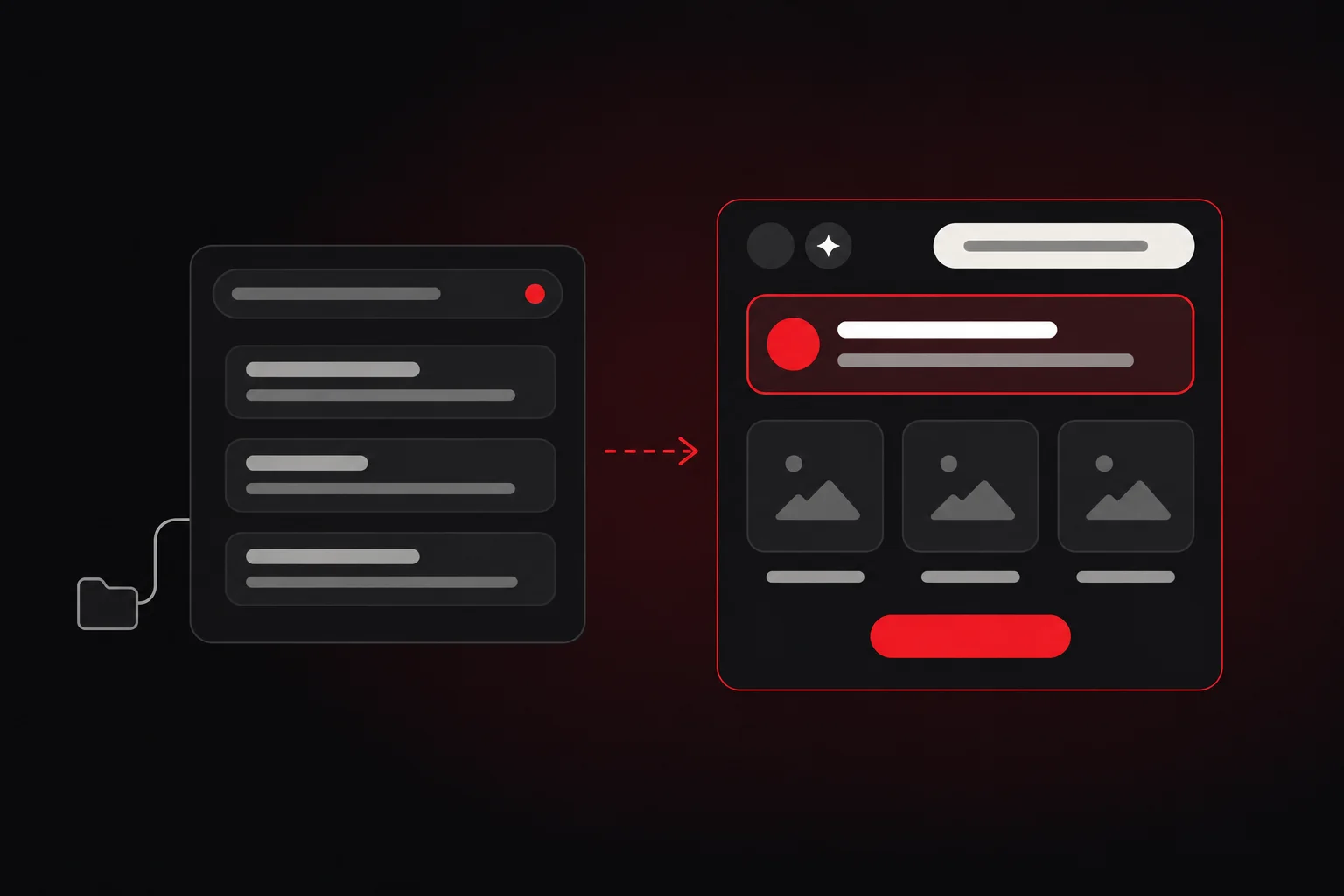
Ditto is TAITAN's website service, officially called TAITAN AI WEB. You tell the AI designer what you want, it designs the whole site from scratch, and you watch it take shape in a live preview. Products, articles and PDF catalogs live in a back office you manage yourself: save, and it's live. The name comes from Ditto, the Pokémon that can turn into anything: whatever you want the site to look like, it becomes. This is the overview of TAITAN's Ditto series; each section links to an article that goes deeper.
The short version
- No templates. Describe what you like, click or draw on the preview where something should change, or paste a website you like as a reference.
- Install the Ditto app and give it one folder: it finds your logo, product photos, catalogs and company profile and sorts them.
- canonical, hreflang, sitemap, robots.txt, llms.txt and structured data on every page are generated automatically. Security headers are built in, with an A+ public rating.
- An AI assistant is built into the site, and every inquiry shows where the visitor came from, including ChatGPT and Gemini.
From one folder to launch, in four steps
- Install the Ditto app and open one folder. Put your logo, product photos and catalogs in one folder and let Ditto read it. No uploading files one by one.
- Your material gets sorted. Ditto finds the logo, product photos, catalogs and company profile and puts them in order.
- Say what you like and mark what to change. Describe the feel you want and watch the preview; if something is off, click or draw on it, paste a reference site, or upload a PDF.
- Product pages go up, then you publish. Product pages are built along with the site. Before publishing, speed, accessibility and SEO are checked automatically, and anything that fails is stopped first.
No requirements document, no design or coding skills needed. You only need to know your company and what you want buyers to see.
After launch, you edit the content yourself
The back office holds four kinds of content. Edit, save, and the site is updated:
| Content | What goes in |
|---|---|
| Products / services | Name, photos, specs and features, item by item |
| Categories | Group products so buyers can browse by type |
| Articles | Company news and technical articles, published when ready |
| PDF catalogs | Turned into images and text page by page, readable by search engines |
Catalog downloads can be public, members-only, or switched off. Why catalogs should become text on the page: see Can Google and AI read the PDF catalogs on your website?
Built in from the start
On many company websites, SEO and security turn out to be missing only after launch. Ditto generates these for every page:
| Item | What it does |
|---|---|
| canonical | The official URL of each page, so it isn't treated as a duplicate |
| hreflang | Language versions point to each other, so overseas buyers see the right language |
| sitemap.xml | A map of the site, so new pages are found sooner |
| robots.txt | Tells search engines and AI what they may read |
| llms.txt | A site summary written for AI (see What is llms.txt?) |
| JSON-LD | Structured data on every page: who you are, what you sell, where you are (see What is structured data?) |
Security headers such as HSTS and CSP are already set, and the public security rating is A+. See What are website security headers?
Inquiries come in, and you know where from
Buyers can pick several items, add them to an inquiry list and ask about them together. Every inquiry carries the first source, UTM tags, landing page and number of pages viewed; visitors from ChatGPT, Gemini and Google AI Overviews are identified too. The back office shows visitors, inquiries, conversion rate and AI sources. Details in Where do your inquiries come from?
An AI assistant on your website
When visitors ask questions on the site, the AI assistant answers from your own content, 24 hours a day. Questions it can't answer are logged and listed for you to fill in, so next time it can. How to use that list to make the site more complete: What can a website AI assistant do?
Room to grow without rebuilding
- Versions: every publish keeps a version, so you can go back to any of them.
- Languages: add a language and pages and product data get that version; product names and terms follow a glossary so every page says it the same way.
- Members: catalogs and spec sheets can be members-only downloads.
- Moving an existing site: pages, images and files from your current website can be brought in and redesigned. How to switch without losing rankings: Moving to a new website without losing your rankings
Who it's for
Ditto is made for B2B companies in Taiwan, especially manufacturing, industrial products and technology services: lots of product specs, thick catalogs, and buyers who compare online before they call and now ask AI which supplier to use. If you're deciding between a template builder, an agency and Ditto, see Template builder, agency or Ditto: three ways to build a B2B website.
Ditto and Echo
Ditto builds the site and makes it readable for Google and AI. Echo, TAITAN's own GEO tool, regularly asks ChatGPT, Gemini and Google AI Overviews about your market, listens to what they say about you, and feeds that back into the site. How the two work together: SEO/GEO services.
To see Ditto in action, visit the Ditto page, or book a 360° Diagnosis: we look at your current website, traffic and AI visibility first, then tell you where to start.
Further reading
Ditto series:
- Template builder, agency or Ditto: three ways to build a B2B website
- What can a website AI assistant do? Turning unanswered questions into content
- Where do your inquiries come from? Sources, UTM tags and AI traffic
Other series: What pages does a B2B manufacturing website need?, What is GEO?
References
- Google Search Central. SEO Starter Guide.
- Google Search Central. AI features and your website.