
What is structured data, and why does AI need it to read your website?
Structured data (JSON-LD) is a note written for search engines and AI: this is a company, this is an article, this is a set of questions and answers. Visitors don't see it, but machines no longer have to guess. What it looks like, which types a B2B website should mark up, and how to check it.
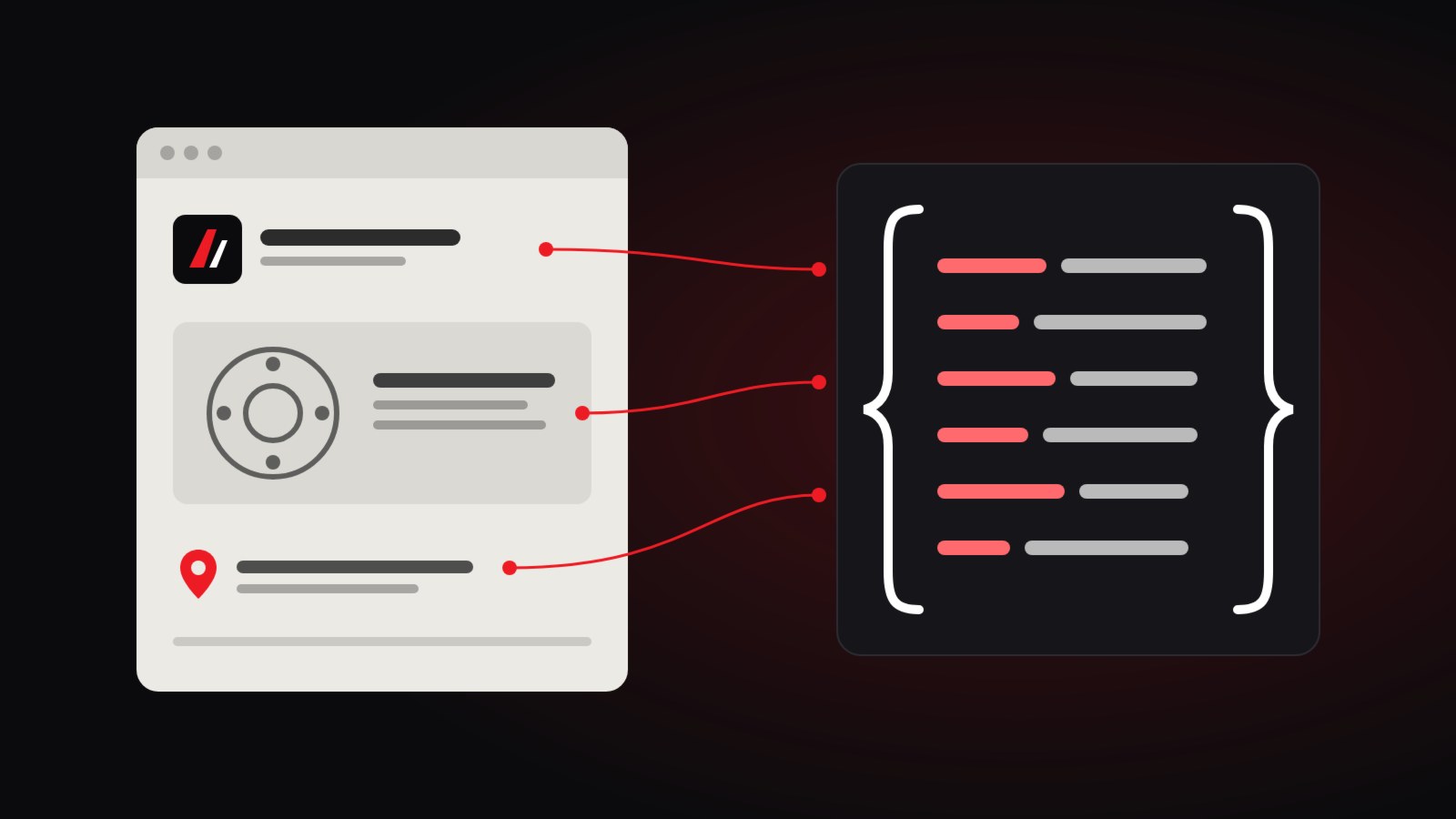
Structured data is a note written for search engines and AI: this is a company, this is an article, this is a set of questions and answers. Visitors don't see it, but machines no longer have to guess. Google defines it as "a standardized format for providing information about a page and classifying the page content." This article belongs to the GEO series.
The short version
- The most common format is JSON-LD, which Google recommends.
- What you mark up must match what's visible on the page; don't mark up information visitors can't see.
- It doesn't guarantee rankings or richer search results, but it makes search engines and AI more certain who you are.
- The types a B2B website most needs are Organization, Product, Article and BreadcrumbList.
People see the screen; machines read the markup
When you look at a page, you see at a glance that this is the company name, that's the address, and those are the FAQs. Search engines and AI see a long run of text and have to guess which part is what.
Structured data simply tells them. Its vocabulary comes from Schema.org, a standard vocabulary founded jointly by Google, Microsoft, Yahoo and Yandex, so it isn't only Google that understands it.
What JSON-LD looks like
A basic company record looks something like this:
{
  "@context": "https://schema.org",
  "@type": "Organization",
  "name": "Company name",
  "url": "https://www.example.com",
  "logo": "https://www.example.com/logo.png",
  "address": {
    "@type": "PostalAddress",
    "addressLocality": "Taichung",
    "addressCountry": "TW"
  }
}
It sits in the page's code where visitors don't see it, and search engines and AI read at once: this is an organisation, and here are its name, URL, logo and address.
Which types a B2B website should mark up
| Type | Which page | What it tells machines |
|---|---|---|
| Organization | Home | Company name, URL, logo, contact details |
| WebSite | Home | Site name |
| Product | Product pages | Name, model, specifications, images |
| Article | Article pages | Title, author, date |
| BreadcrumbList | Inner pages | Where the page sits in the site |
| FAQPage | Q&A page | Questions and answers |
FAQPage needs a note. Since August 2023, Google shows FAQ rich results only for well-known government and health websites, so an ordinary company's FAQPage no longer adds a row of expandable questions to search results. But the markup still tells machines "this page is a set of questions and answers", which helps AI extract answers.
Three uses for a B2B website
- AI is certain who you are. With your company name, URL and logo in a standard format, AI is less likely to confuse you with a similarly named company.
- Content is easier to cite. With products, articles and Q&A typed correctly, search engines and AI pick out the key points more easily. How to write the content itself: What kind of content does AI cite?
- Search results can be fuller. Google sometimes shows information like the breadcrumb trail directly in search results.
Common mistakes
- Only the home page has it. Product and article pages don't, yet those are exactly where buyers land from search.
- Markup that doesn't match the page. The page's price or address changed; the markup didn't. Google says plainly not to mark up information visitors can't see on the page.
- Broken syntax. One missing comma or bracket and the whole block is skipped, while the page looks perfectly normal, so nobody notices.
- Contradictory data. The home page says Taichung, the contact page says Taipei, and AI doesn't know which to trust.
How to check
- Google's Rich Results Test: paste a URL and see which markup Google reads and whether there are errors.
- Schema.org's validator: checks every type, not just the ones Google supports.
- Google Search Console: the Enhancements reports list markup errors across the site, good for regular checks.
How Ditto does it
On websites made with Ditto, structured data is generated for every page automatically: the home page has organisation and website data, and article, product, catalog and category pages each have the matching markup. When content changes, the markup changes with it, so the page and markup never drift apart. Canonical tags, hreflang, the sitemap, robots.txt and llms.txt are generated too. To see whether your website passes, try the Free Website Check.
Further reading
- Series overview: What is GEO? How it differs from SEO, and where a B2B company should start
- Does your company show up in AI answers? Three ways to check for yourself
- What kind of content does AI cite? 7 ways to get ChatGPT and Gemini to cite your website
- B2B website series: What pages does a B2B manufacturing website need?
References
- Google Search Central. Intro to how structured data markup works.
- Google Search Central Blog (2023). Changes to HowTo and FAQ rich results.
- Schema.org. Organization.
- Google. Rich Results Test.
- Schema.org. Schema Markup Validator.