
What are website security headers, and what does A+ mean?
Security headers are a few lines of settings a website sends to the browser with every response, blocking common attacks. What the six most common headers do, where an A+ comes from, a three-minute self-check, and why B2B buyers care.
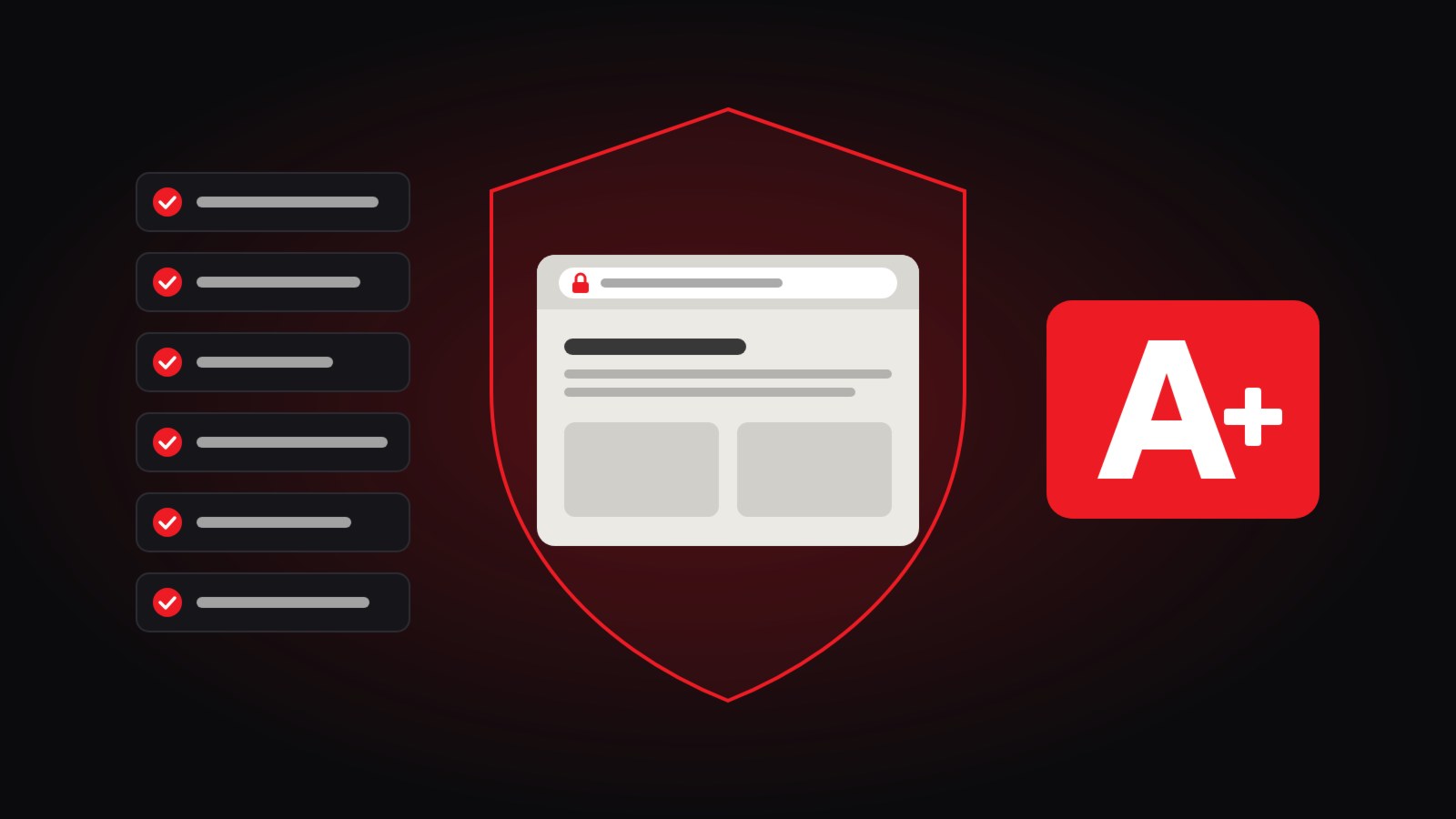
Security headers are a few lines of settings a website sends along with its response to the browser, telling it: use encrypted connections only, load scripts only from these places, don't let other sites embed this page. B2B buyers see the front of your website but not this layer. Their IT department does. This article belongs to the B2B website series.
The short version
- Security headers don't change how the site looks; they're protection at the browser level.
- The two most important: Strict-Transport-Security (HTTPS only) and Content-Security-Policy (load only from approved sources).
- Paste your URL into securityheaders.com and in three minutes you know your grade; the top grade is A+.
- Headers are one layer of protection, not all of it; updates, certificates and spam protection on forms still matter.
Invisible, but important
When you open a website, the server sends a few lines of "headers" along with the page. Several of them relate to security, and those are the security headers. OWASP (the Open Worldwide Application Security Project) has a dedicated Secure Headers Project listing which response headers a site can use to improve security.
Without them, a site is easier to exploit: embedded in a phishing page, injected with malicious scripts, its connection downgraded to unencrypted.
The six most common
| Header | What it does | Risk without it |
|---|---|---|
| Strict-Transport-Security | Tells the browser this site uses HTTPS only, upgrading later HTTP connections automatically | Connections can be downgraded and eavesdropped |
| Content-Security-Policy | Specifies which sources the page may load scripts, images and fonts from | Injected malicious scripts run too |
| X-Frame-Options | Stops other sites embedding your pages | Your page is wrapped in a phishing page to trick clicks |
| X-Content-Type-Options | Stops the browser guessing file types | An ordinary file is run as a script |
| Referrer-Policy | Controls what information goes along when visitors click away | Information in URLs leaks |
| Permissions-Policy | Controls which device features the page may use, such as camera or location | Embedded third-party content uses features it shouldn't |
The frame-ancestors directive in Content-Security-Policy also controls who may embed the page, overlapping with X-Frame-Options; many sites set both to cover old and new browsers.
Where an A+ comes from
The most widely used test is securityheaders.com: paste a URL and it lists which headers are set and which aren't, and gives a grade, A+ at the top. A site with nothing set gets a very low grade. Mozilla's HTTP Observatory runs a similar test and also looks at cookie and redirect settings.
To get an A+, all the main headers must be set, and Content-Security-Policy can't be so loose it does nothing. That constrains how a site's code is written, which is why many template sites and sites heavy with plugins can't get one.
A three-minute self-check
- Open securityheaders.com, paste your website's URL, and look at the grade and the red items.
- In Chrome, press F12 to open the developer tools, switch to Network, reload the page, click the first request, and see whether the six headers above are among the Response Headers.
- Check that the address starts with https, and that typing http redirects to https automatically.
Why B2B should care
Your website is the first place a buyer gets to know you. When larger companies choose suppliers, purchasing and IT often look together, and you may soon be asking that buyer to send you engineering drawings, specifications and quotes, all confidential. If even the website's basic protection isn't set up, it's hard for them to feel safe.
Does setting headers make a site secure?
Not on its own. Security headers protect the browser layer; you also need to:
- Keep the website system and plugins up to date.
- Renew the HTTPS certificate before it expires.
- Protect forms against spam and bots.
- Not share passwords between back-office accounts.
How Ditto does it
Websites made with Ditto have security headers built in and score A+ on the test, with nobody to hire for the setup, and the site's code is written to these rules from the start. To find out your current website's grade, try the Free Website Check.
Further reading
- Series overview: What pages does a B2B manufacturing website need?
- Can Google and AI read the PDF catalogs on your website?
- GEO series: What is structured data?
References
- MDN Web Docs. Strict-Transport-Security header.
- MDN Web Docs. Content-Security-Policy (CSP) header.
- OWASP. OWASP Secure Headers Project.
- securityheaders.com.
- Mozilla. HTTP Observatory.