
Can Google and AI read the PDF catalogs on your website?
If your catalog is just a PDF download link, Google can read it, but not well, and a scanned catalog may not be readable at all. The four problems with PDF catalogs, a three-minute self-check, and how to publish them so buyers searching a model number find you.
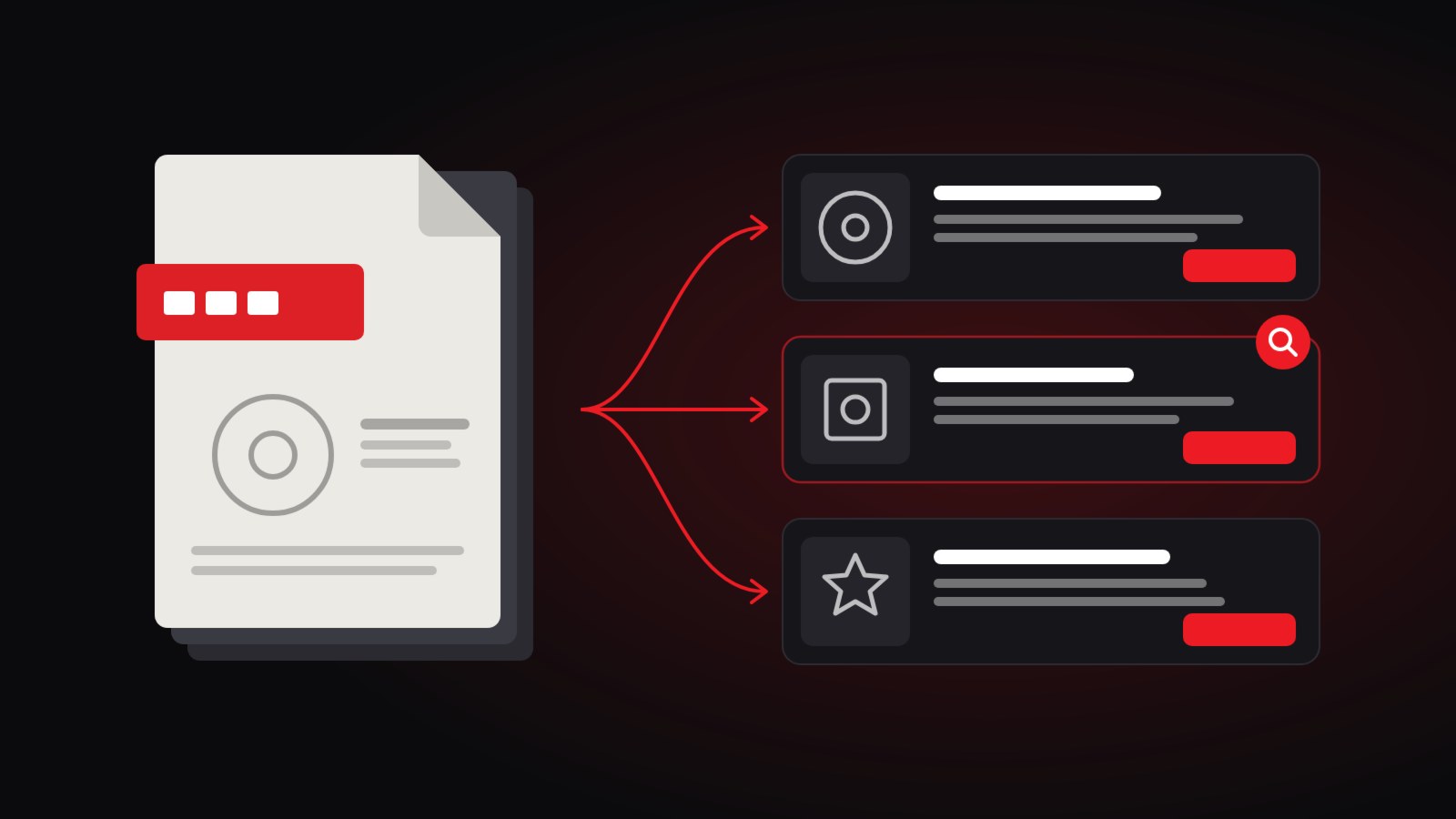
If your catalog is just a PDF download link, Google can read it, but not well; in a catalog scanned as images, the words may not be readable at all. Turn every catalog page into an image and text on a web page, and buyers searching a model number will find you, and AI can cite you when it answers. This article belongs to the B2B website series.
The short version
- Google can index PDF files, but a whole catalog has one URL, so a buyer searching a model lands on page one of the catalog.
- In a PDF scanned as images, the text is just a picture to a search engine.
- A better way: one URL per page, real text, an enquiry button right beside it. The PDF can still be offered as a download.
The richest thing on a B2B website, and the most often wasted
On many factory websites the most complete product information is in the catalog: models, sizes, materials, tolerances, industries served. Yet the catalog is usually just a "Download PDF" button.
The trouble is that buyers search by model and specification. Locked inside a PDF, those words may never make it into search results, and AI struggles to cite them.
Can Google read PDFs?
Yes. PDF is on Google's official list of indexable file types. The question isn't whether it can read them, but whether what it reads is usable. A PDF on its own has four problems:
- Unreadable, or partly readable. In a catalog scanned as images, the text is just a picture to a search engine. PDFs exported from design software are better, but tables and columns often come out in the wrong order.
- No URL of its own. An 80-page catalog has a single URL. Even if a buyer finds the model they searched for, they start leafing from page one.
- Hard to read on a phone. A whole catalog is often tens of MB, slow to open on a phone, with text you have to keep zooming into.
- Cut off from you. Once a PDF is downloaded and forwarded, your website and enquiry button are gone.
A three-minute self-check
- Search Google for
site:your-domain filetype:pdfand see whether your catalogs are indexed. - Open the PDF and try to select the text with your mouse. If you can't, it's a scanned image.
- Pick a model from the catalog and search it on Google and ChatGPT. Does it find you, a distributor, or nothing at all?
A better way
Turn every catalog page into an image and text on a web page:
- One URL per page, so a buyer searching a model lands right on that page.
- Real text, which search engines and AI can read. Google's recommendations for sites include this too: provide important content in text form.
- An enquiry button right beside it, so they can ask as soon as they see it.
- The PDF is still available to download: open to all, members only, or not offered. Members-only downloads have a bonus: you know who took the catalog.
One more reason in the age of AI
When a buyer asks ChatGPT "Who makes M8 stainless steel hex bolts in Taiwan?", the AI looks for pages with those words on them. Turning catalog content into web text gives you one more chance to be cited. How to write it so AI cites it: What kind of content does AI cite?
How Ditto does it
On websites made with Ditto, a catalog PDF uploaded in the back office is turned automatically into an image and text for every page, so search engines can read what's inside. Downloads can be set to open, members only or not offered. Install the Ditto app and share a folder, and it can find your logo, product photos and catalogs by itself, sort them and publish them. To see how much of your catalog is being read today, try the Free Website Check.
Further reading
- Series overview: What pages does a B2B manufacturing website need?
- What are website security headers, and what does A+ mean?
- GEO series: What kind of content does AI cite?
References
- Google Search Central. File types indexable by Google.
- Google Search Central. AI features and your website.
- Google Search Central. SEO Starter Guide.