
Moving to a new website without losing your rankings: a checklist for before and after
The most common accident when switching to a new website is that every old URL becomes "page not found" and years of search rankings vanish overnight. Following Google's official guidance, this checklist covers what to do before, on and after moving day, and the four most common mistakes.
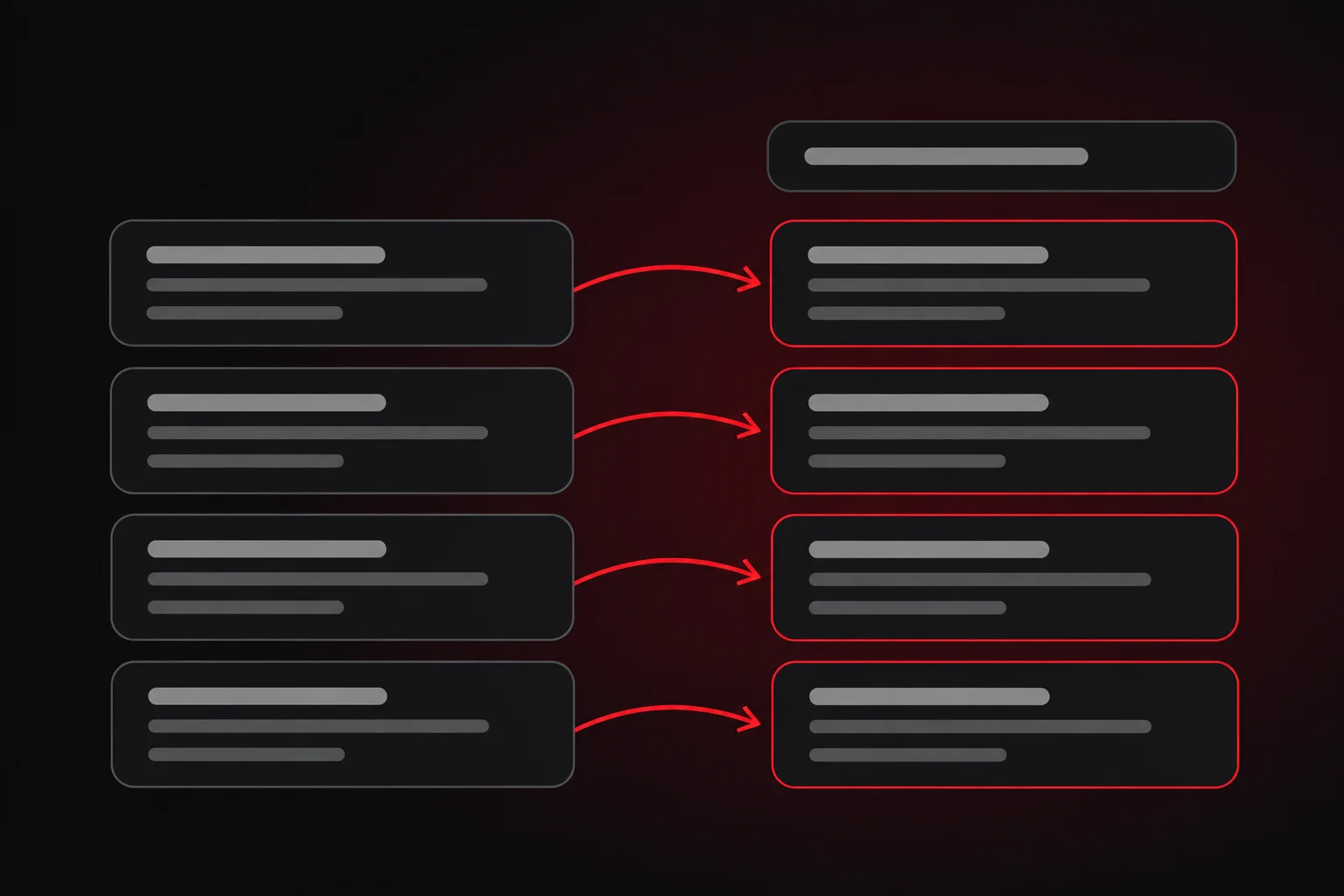
When rankings drop after a website relaunch, the usual cause isn't the new site; it's that old URLs weren't redirected to new ones. Google and your buyers remember the old URLs; when they open them and get "page not found", years of rankings and inbound links are cut off. Based on Google's official guidance, this article lists what to do before and after the move. It belongs to the B2B website series.
The short version
- Every old URL should use a permanent redirect (301 or 308) straight to the new URL with matching content.
- Don't redirect every old URL to the home page.
- Google recommends keeping redirects "for as long as possible, generally at least 1 year."
- Ranking fluctuation in the weeks after a move is normal, and Google says so too.
Before the move: list every old URL
The most important document in a move is the URL map: every old URL on the left, the matching page on the new site on the right. Find old URLs in:
- The old site's sitemap.xml
- Google Search Console's performance and links reports
- Pages with traffic in your analytics tool
- The page and product lists in your website's back office
Don't forget PDF catalogs and images. B2B sites often have catalogs that other websites have linked to for years, and those links are just as valuable.
Moving day: redirect and update
| Task | Why |
|---|---|
| 301-redirect each old URL to its matching new URL | Lets Google and old links carry their value to the new page |
| Redirect straight to the final page, not through several hops | Google recommends keeping redirect chains short |
| Change all internal links to new URLs | Redirects slow things down; your own links shouldn't rely on them |
| Point canonical tags at the new URL itself | Tells Google which URL is official |
| Submit the new sitemap | Helps Google find the new URLs sooner |
If the domain changes too (for example from an old company domain to a new one), also notify Google with the Change of Address tool in Search Console.
After the move: watch, and don't panic
- In Search Console, check how the new sitemap is being indexed and look for "not found" errors.
- Pick a few old URLs at random and open them yourself to see whether they land on the right page.
- Ask important external sites (distributors, association directories, partners) to update their links.
- Keep redirects for at least a year.
Google's guidance is that rankings fluctuate temporarily during a move, and for a medium-sized site it can take a few weeks or more before Google gradually shows the new URLs. Don't change URLs again because of a week or two of ups and downs.
The four most common mistakes
- No redirects. The new site goes live and every old URL returns page not found. This is the most common reason rankings drop to zero.
- Everything redirected to the home page. A buyer clicks an old link for "M8 stainless steel bolts" and lands on the home page, can't find it and leaves; Google doesn't treat that redirect as the same page either.
- Changing URLs again and again. Each change means waiting for Google to learn them again.
- Forgetting catalogs and images. The most-linked item is often a PDF.
Things to do while you're at it
A move is the best time to tidy up the site structure: merge duplicate pages, remove empty ones, give every product line its own page. Which pages a B2B website needs: What pages does a B2B manufacturing website need?
How Ditto does it
Companies that already have a website can bring their old pages, images and files into Ditto and redesign from there. The new site's sitemap and canonical tags are generated automatically, and when a product or article URL changes later, a redirect is added automatically. Before the move, we draw up the URL map with you. To see how many pages of your current site are found in search, book a 360° Diagnosis.
Further reading
- Series overview: What pages does a B2B manufacturing website need?
- Can Google and AI read the PDF catalogs on your website?
- Ditto series: Template builder, agency or Ditto: three ways to build a B2B website
References
- Google Search Central. Site moves with URL changes.
- Google Search Central. Redirects and Google Search.
- Google Search Console Help. Change of Address tool.